Sakura Sprite Workbench
A downloadable tool
From sprite sheet to motion.
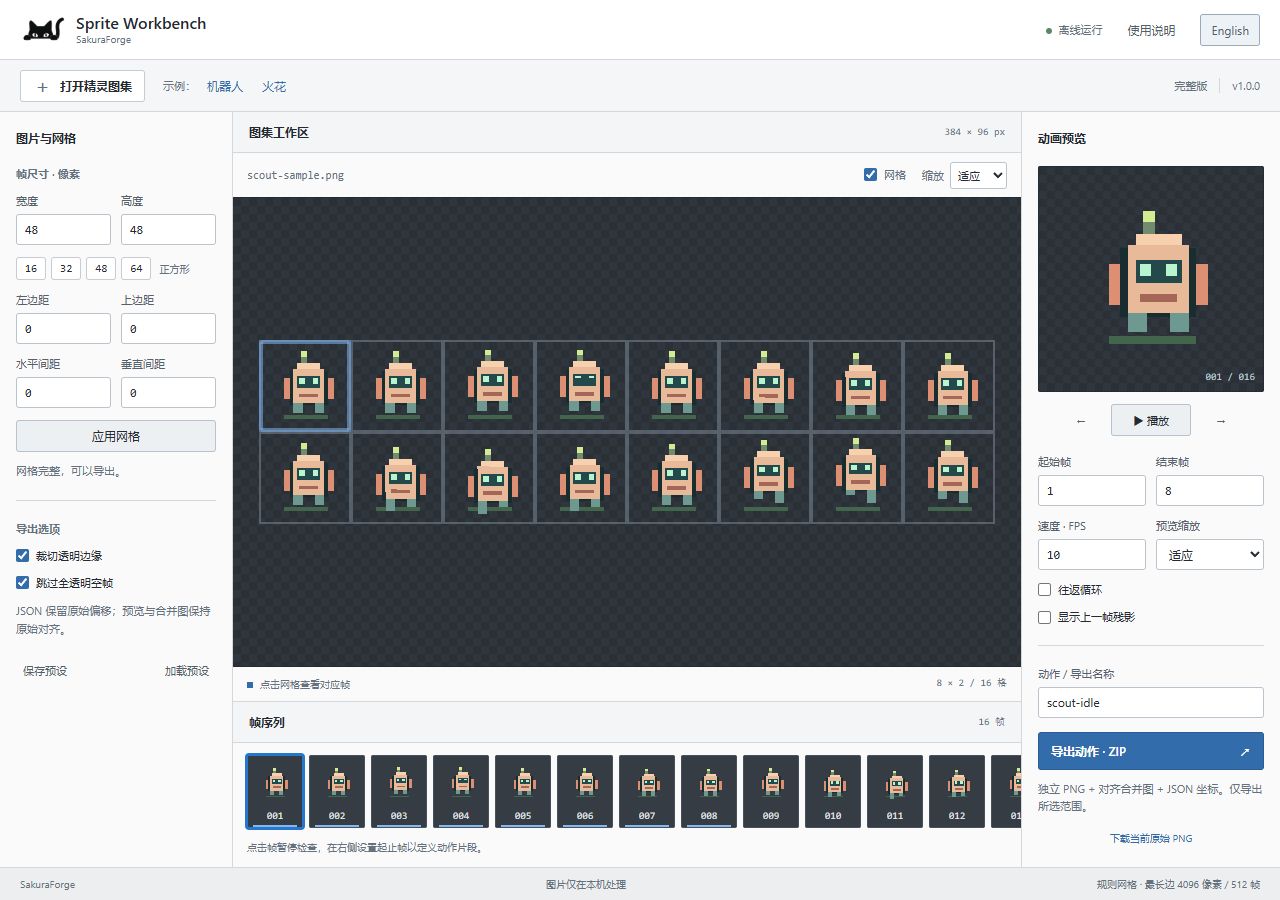
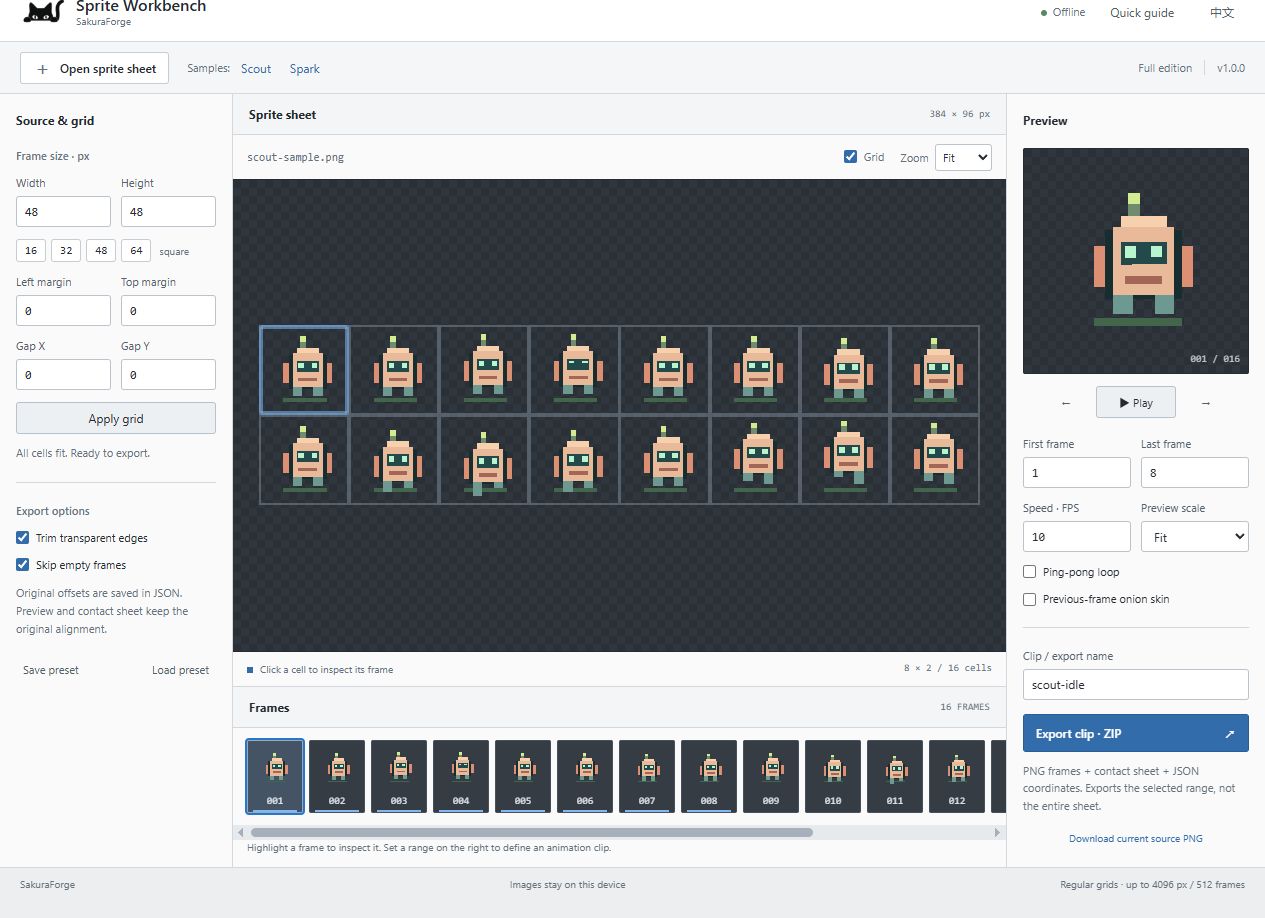
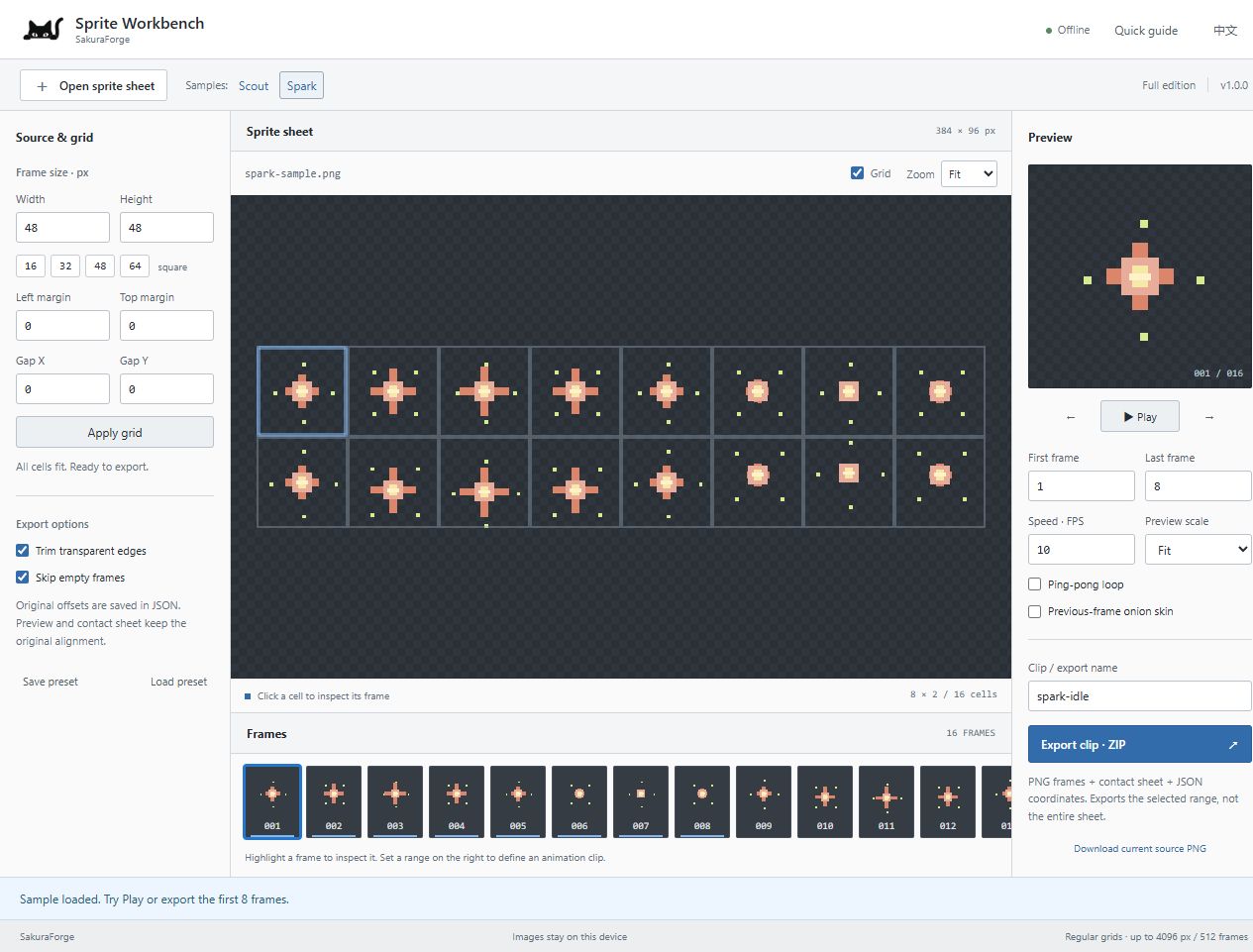
Sakura Sprite Workbench is a small offline companion for 2D game developers and pixel artists. Slice a regular sprite sheet, inspect an animation clip, and export a tidy bundle with the alignment information intact.
$3 minimum · one-time purchase · no subscription. Try the free sample demo before buying. The demo works with two included sprite sheets; the full edition opens your own images and saved presets.
A focused workflow
- Open static PNG, WebP, or JPEG files.
- Set rectangular cell dimensions, separate left/top margins, and horizontal/vertical gaps.
- Preview a frame range at 1–60 FPS, with ping-pong playback, frame stepping, and an optional previous-frame onion skin.
- Trim transparent borders while keeping original offsets in JSON.
- Export individual PNGs, an aligned contact sheet, animation coordinates, and a reusable preset in one ZIP.
- Switch between English and 简体中文.
What you get
The full offline ZIP includes a self-contained index.html, a guide, a usage license, and two procedural sample sprite sheets built into the tool. Extract the ZIP and open index.html in a current desktop Chrome or Edge browser. No installation or internet connection is needed to use the tool.
Your images are processed locally. The tool has no cloud API calls, analytics, logins, or runtime AI dependency. Your artwork remains yours; exports can be used commercially subject to your rights in the source images.
Know the limits before buying
- Regular, unrotated grids only. No automatic irregular-atlas detection, painting, background removal, GIF or video export.
- Up to 4096 pixels per side, 16 megapixels, 50 MB input, and 512 cells. Large contact sheets may require a shorter export range.
- JSON is a documented custom format, not a one-click Unity, Godot, or Aseprite importer. Use your engine's existing tools to import PNGs or the contact sheet.
- Static input images only. Work is not auto-saved: export and save presets before closing.
- Windows desktop Chromium tested. Chrome and Edge desktop are the target browsers. Other browsers and operating systems have not been verified. Mobile is not a supported production workflow.
中文说明
这是一个离线精灵图集工具:设置网格后切割图片、预览动作、裁切透明边,并导出 PNG、对齐合并图和 JSON 坐标。支持中英文界面。下载并解压后,用桌面 Chrome 或 Edge 打开 index.html 即可使用。免费示例版可操作内置图片,完整版支持自己的图片与预设。
Support & creation
Report reproducible issues in the comments with your browser version, image dimensions, and grid settings. Please do not post private artwork or identity/payment information. Version 1.0.0 is a focused first release; no future features are promised.
AI disclosure: this software, its text, and the code for its procedural sample sprites were developed with AI assistance. The cat logo is publisher-supplied brand artwork. No cloud AI runs inside the tool.
Purchase
In order to download this tool you must purchase it at or above the minimum price of $3 USD. You will get access to the following files:
Download demo
Leave a comment
Log in with itch.io to leave a comment.